
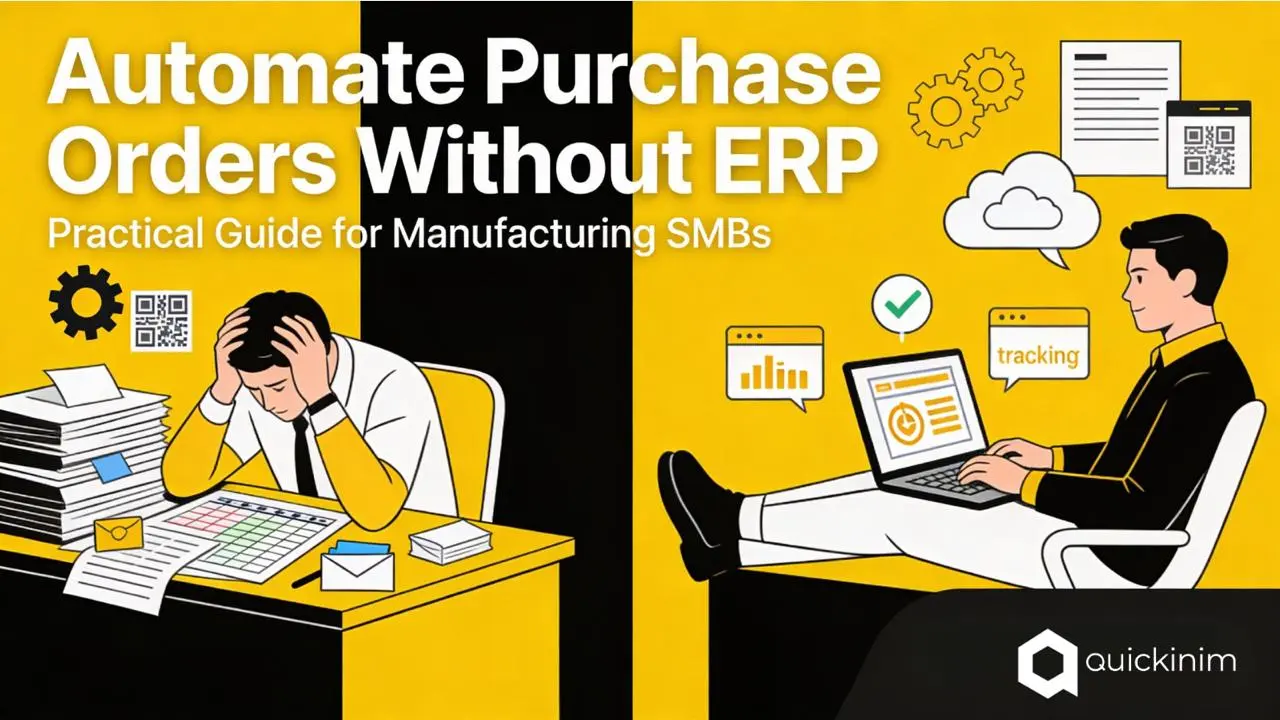
How to Automate Purchase Orders Without ERP
How to Automate Purchase Orders Without ERP: A Practical Guide for Manufacturing SMBs
Most manufacturing teams still manage purchase orders the way they did 20 years ago: spreadsheets, email chains, and manual follow-ups. The result is predictable - slow cycles, invoice errors, and delayed shipments that halt production. You don't need a $100K ERP implementation to fix this. Three simple steps automate the entire workflow and cut processing costs by 80%.
The Three Steps to PO Automation
Step 1: Centralize Supplier Data
Stop scattering supplier information across email, spreadsheets, and notebooks. Put all supplier details - contact info, pricing, delivery terms, payment conditions - into one system. When a new order is created, the system automatically pulls accurate supplier data. No more copy-paste errors, no outdated pricing, no time wasted hunting for contact details.
Result: Order creation time drops from 15+ minutes to 2-3 minutes per PO.
Step 2: Automate Order Routing & Real-Time Tracking
Instead of drafting emails and hoping suppliers respond, send orders through a centralized platform. Suppliers receive a notification, see order details in a portal, and update you directly on production dates and any delays. No more "can you confirm that shipment ?" emails. You see the exact status of every order at any moment through real-time updates in the system.
Result: You know the exact status of every order at any moment. Supplier delivery lead times drop by 40 - 50%. Orders that would require manual chasing are handled automatically through system reminders.
Step 3: Centralize Documents & Automate Reconciliation
When suppliers are ready to ship, they create packing lists and invoices directly in the system - no need to email spreadsheets back and forth. The system generates QR codes automatically for cargo tracking, and all shipment documentation syncs into your records in real time. Your finance team matches invoices to orders automatically, catching discrepancies before payment and avoiding duplicates.
Result: Invoice processing cost drops from $12 - $30 per invoice to under $5. Your finance team spends 30 minutes per week managing POs instead of full days hunting for invoice mismatches.
The Numbers: Why This Matters Now
Processing Cost Collapse
| Metric | Manual | Automated | Improvement |
| Cost per PO | $30-$40 | $3-$5 | 87% reduction |
| Processing time | 24-48 hours | 2-4 hours | 75% faster |
| Invoice errors | 3-5% | <0.5% | 90% fewer errors |
| Annual cost (500 POs) | $15,000-$20,000 | $1,500-$2,500 | $12,500-$17,500 saved |
For a 50-person manufacturing company processing 500 orders annually, that's $12,500-$17,500 in direct labor savings. But the real gains come from prevented problems: avoided duplicate payments, captured early-payment discounts, and production continuity because orders arrive on time.
ROI & Payback
Implementation of a focused procurement platform typically costs $1,000-$5,000 for an SMB. Most companies hit payback in 2-4 months and see 200%+ ROI in year one. That's faster than almost any business investment.
Compare this to a traditional ERP: 12-18 month implementation, $50,000-$200,000 investment, and 18-36 months to ROI. For SMBs, the math is clear.
Why Not Full ERP?
A complete ERP system gives you supply chain planning, demand forecasting, and financial consolidation. Valuable if you're running a $50M+ operation with an IT team. But for a 10-200 person manufacturer ? ERP is overkill and overdue. You need visibility and speed, not an 18-month implementation project that delays solving your actual problem.
A dedicated procurement platform does one thing exceptionally well: moves POs from email and spreadsheets into a real system, with supplier visibility and automated document flow. It works alongside your current ERP (or without one). Deploy in weeks, not months.
Getting Started: Your First 30 Days
Week 1: Add your top 15 suppliers - the ones responsible for 80% of your spend. Fill in contact info, standard pricing, delivery terms. Takes 2-3 hours.
Week 2: Start placing new orders through the system. Suppliers receive portal invitations. Most adopt it within 1-3 days because it reduces their workload too (one clear order beats 5 email exchanges).
Week 3-4: Expand to all suppliers. Integrate with your accounting system if you have one, so invoices sync automatically.
The entire process requires no IT help, no IT staff, and no disruptive system changeover. One person can manage it.
What to Look for in a Platform
Supplier Portal: Suppliers can log in, see orders, confirm dates, and upload shipment docs without leaving your system.
Real-Time Order Tracking: You see production status, delays, and shipment dates automatically updated in the system.
Quick Document Creation: Suppliers create invoices and packing lists directly in the portal with one click. System generates QR codes automatically for cargo tracking.
Data Centralization: Every supplier, product, and order in one searchable database. No spreadsheets, no hunt through email.
Seamless Communication: All supplier messages and order discussions stay in one place. Complete audit trail, no lost emails.
What Happens Next
You've already lost money on manual POs today. Every week you wait, 100+ orders sit in email threads and spreadsheets instead of flowing through an automated system where you can see them, track them, and avoid delays.
Try it yourself. See how your actual suppliers move through a real procurement system without a sales call or implementation project. Visit https://quickinim.com to start a free trial and experience automated purchase order management in your next order cycle. Your suppliers get a portal. You get visibility and peace of mind. Your finance team gets their time back.
The question is how quickly you want to stop losing money.